Portable Scale Digital LCD Display 110lb/50kg Electronic Luggage Hanging Suitcase Travel Weighs Baggage Bag Weight Balance Tools
Portable Scale Digital LCD Display 110lb/50kg Electronic Luggage Hanging Suitcase Travel Weighs Baggage Bag Weight Balance Tools
Regular price
$17.99
Sale price
$17.99
Quantity
Couldn't load pickup availability
About this item
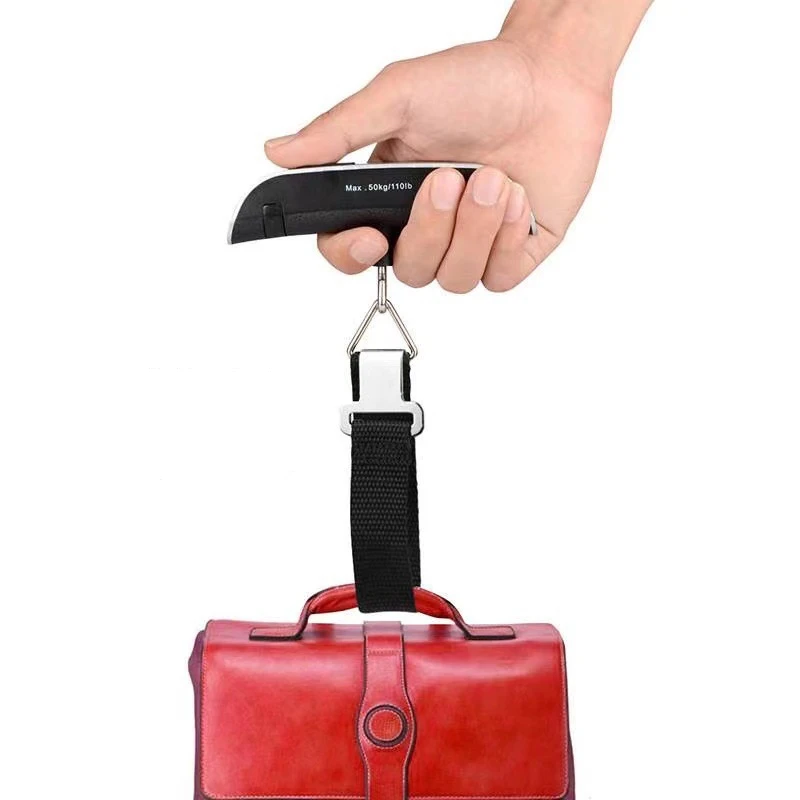
- [Travel without stress] This hanging baggage scale easily prevents overweight baggage charges; a must-have for traveling.
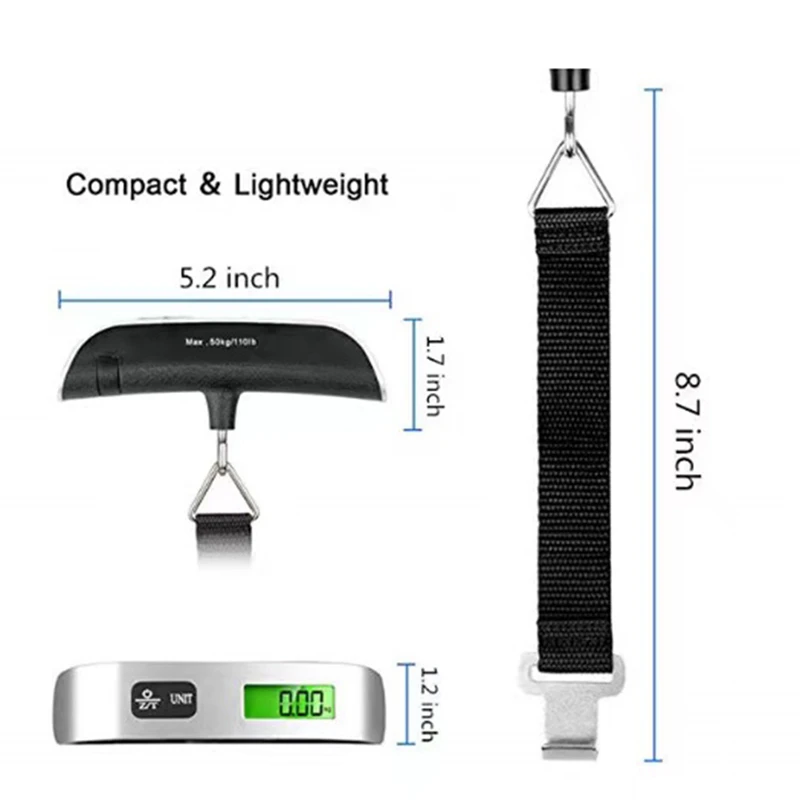
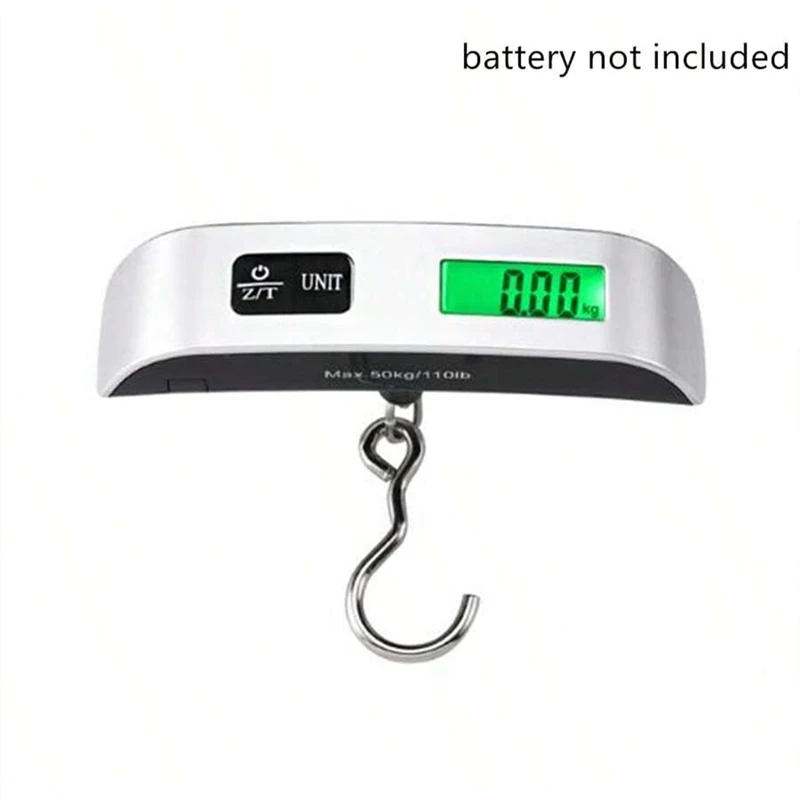
- [110-lbs Max Capacity] The travel weight scale has 110lb/50kg weight capacity, allowing you to use it for even those oversized bags. Graduation of portable electronic scale: 0.1lb/50g. Suitcase electronic scale weights 3.5 ounces, small and convenient. No extra space is required to start your adventure.
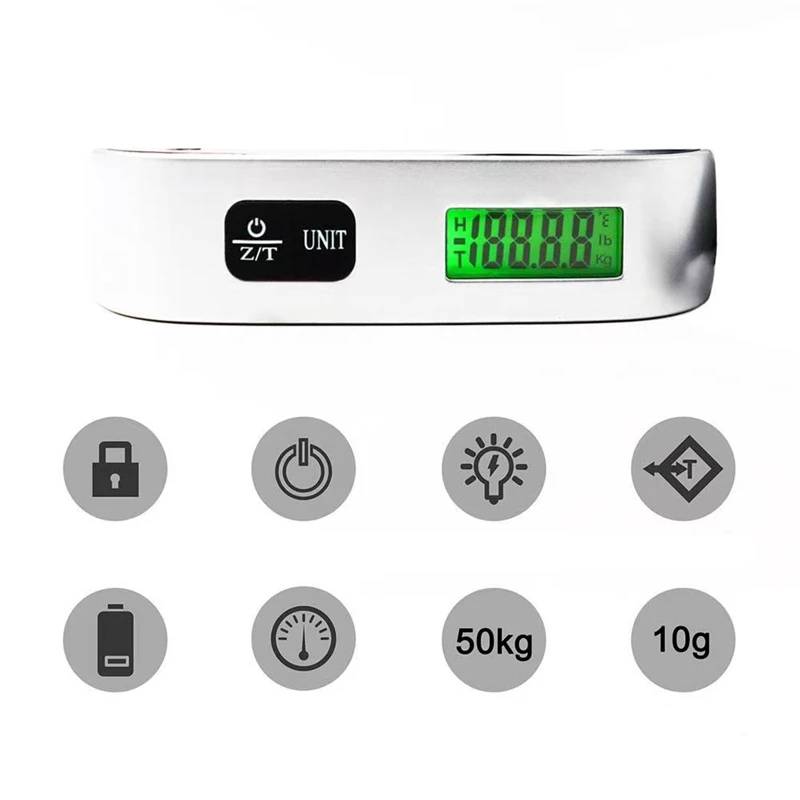
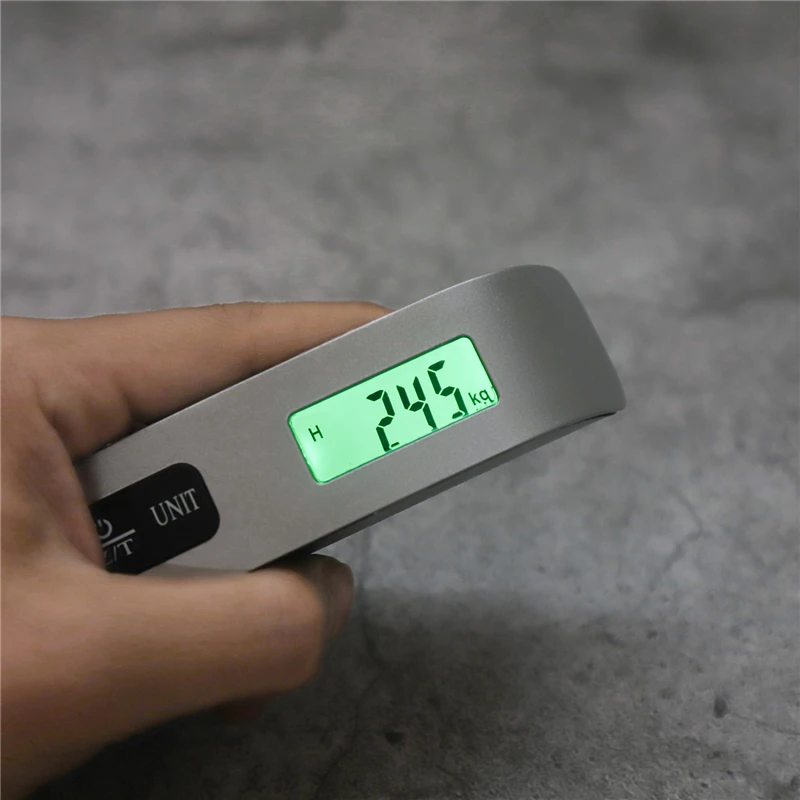
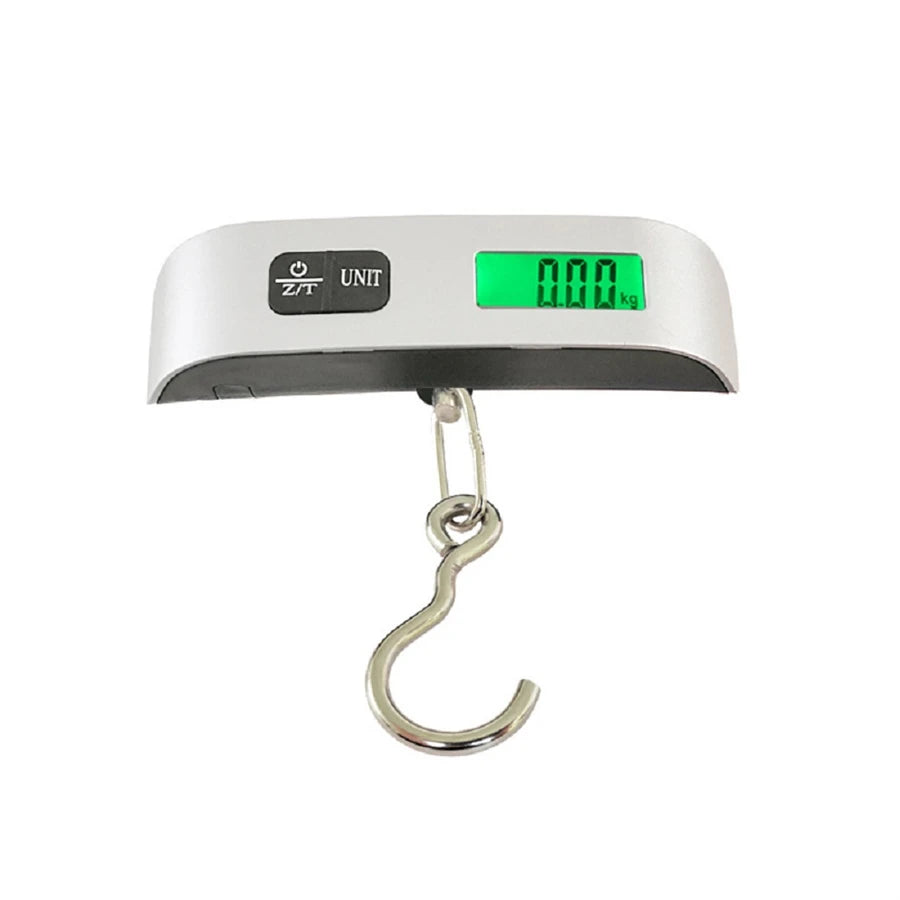
- [Multifunction digital scale] Backlight LCD display is easy to read the digital luggage scale in dim light and bright light. Rubberized handle is comfortable to grip. The data lock function gives you more time to read the results.
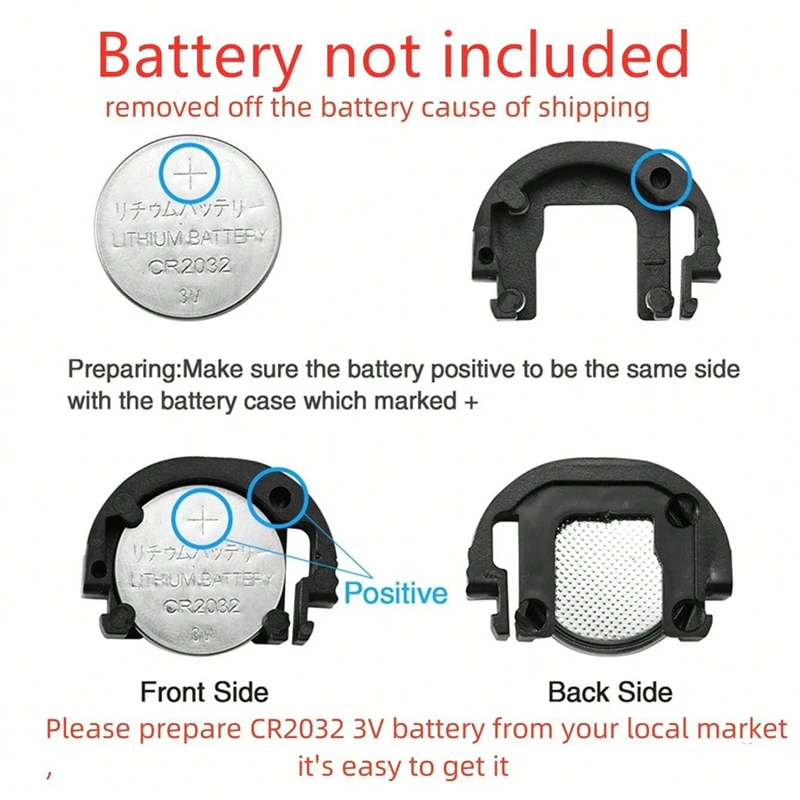
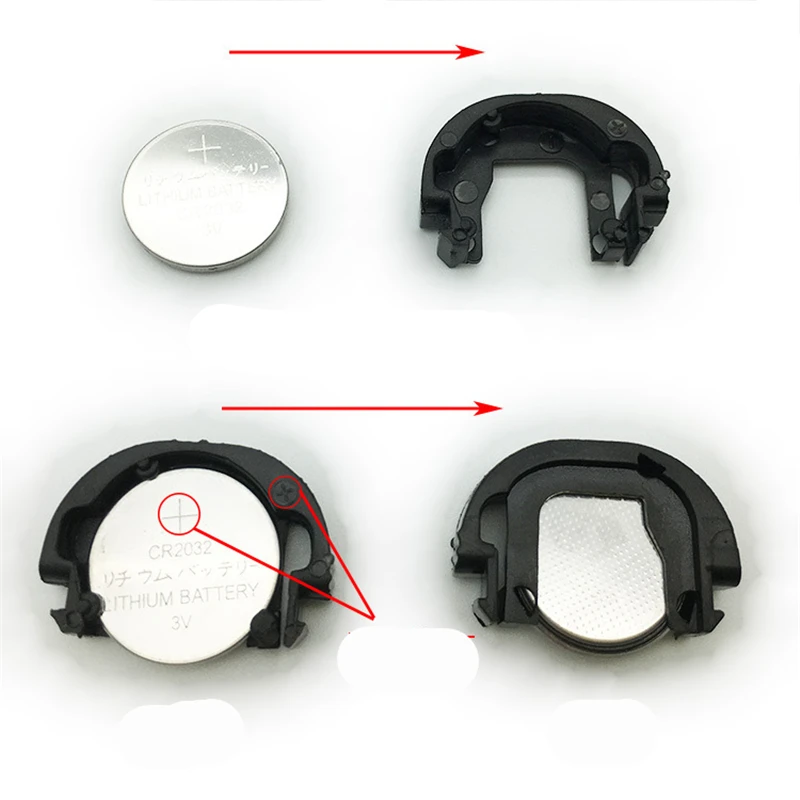
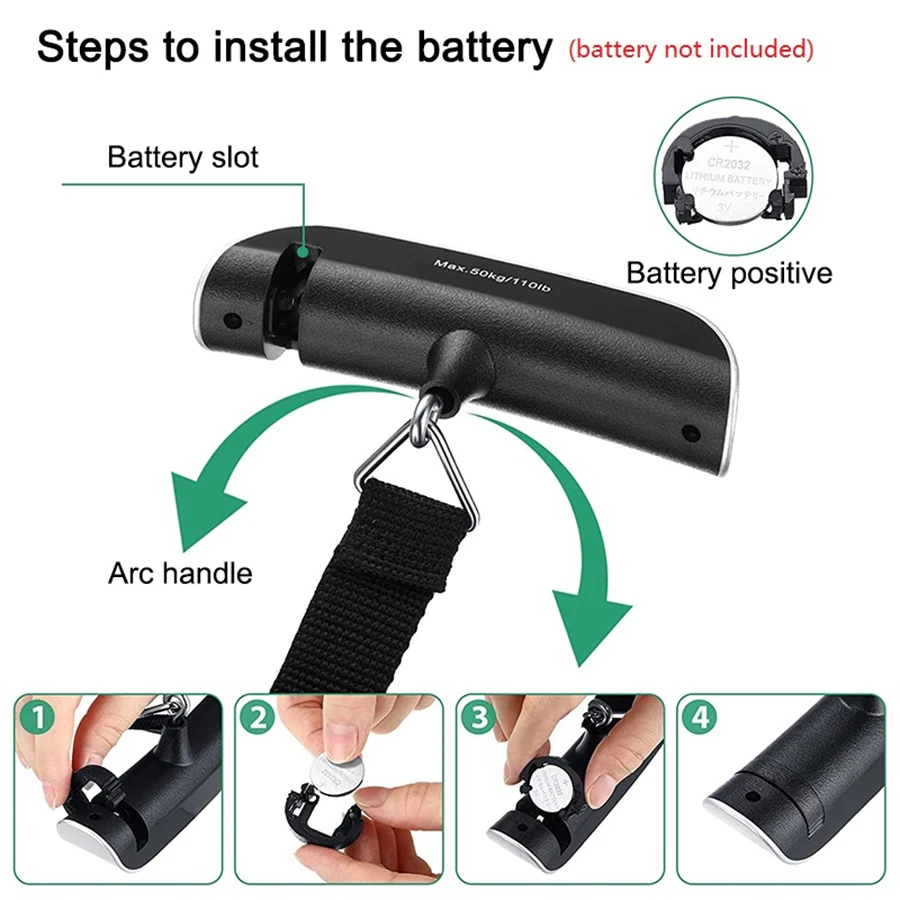
- [Perfect for travel] Auto-Off feature preserves battery power. Low battery and overload indications. CR2032 battery included.
- [Satifaction guaranteed] The ideal gift for travellers, hikers, or anyone who frequently ships packages. Come with a 2-Year Limited warranty from travel inspira.
Product weight: 82g
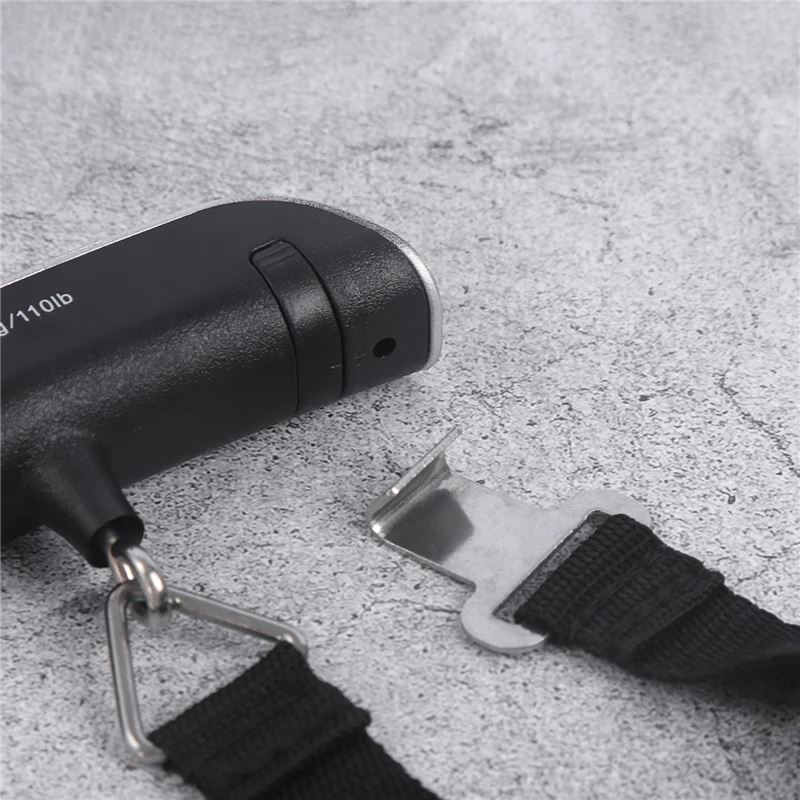
Power supply mode: 1 CR2032 lithium battery (because of the transport, we will take off the battery)
Maximum weighing: 50kg
Accuracy: 50g
Starting weighing: 100g
product features:
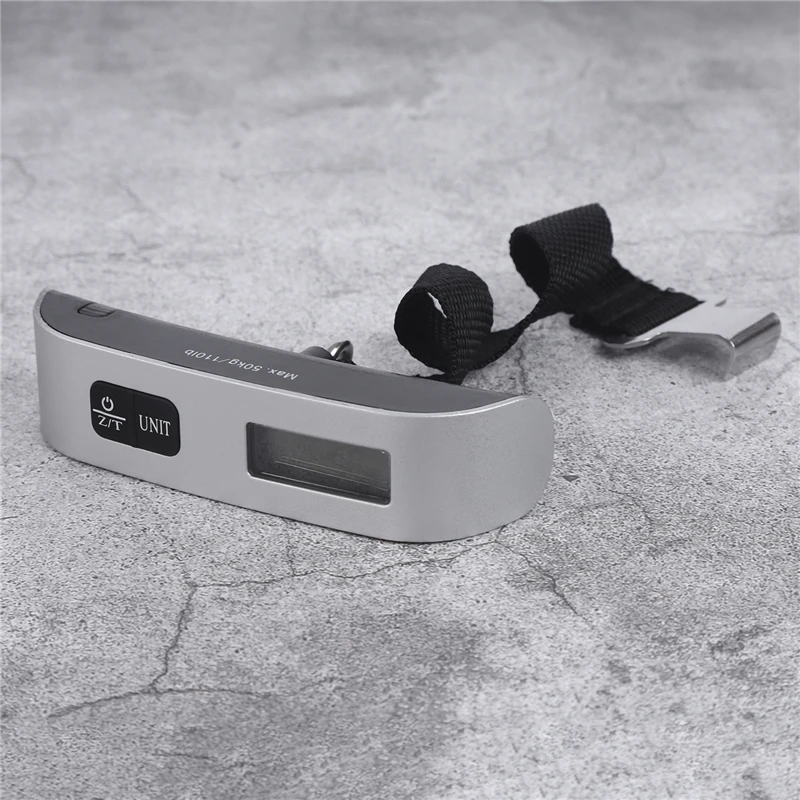
1. Blue backlight, 4-digit LCD display, clearer readings
2. Precise sensor, stable quality, more accurate weighing
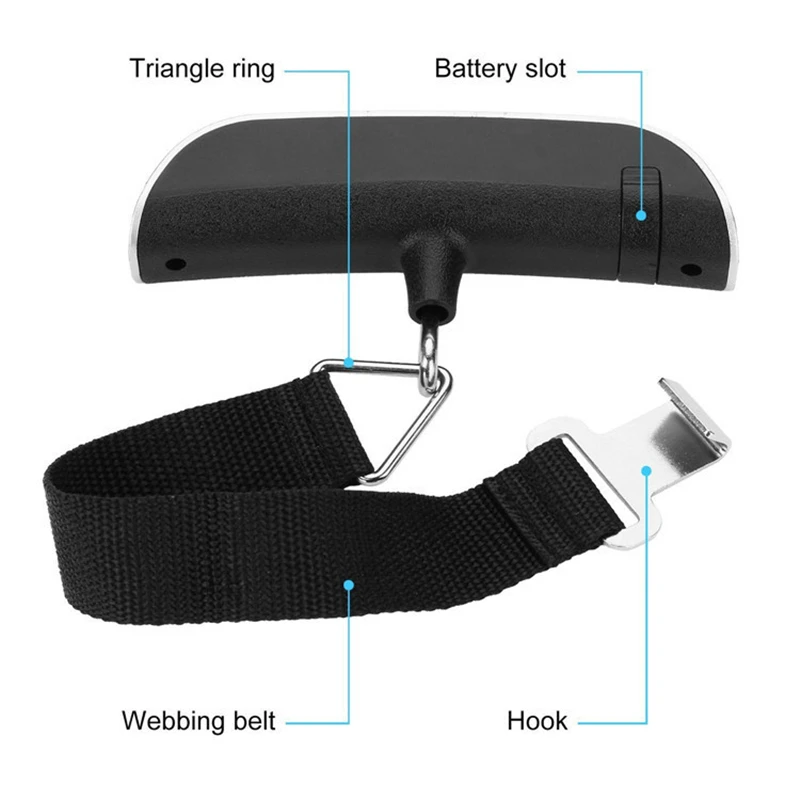
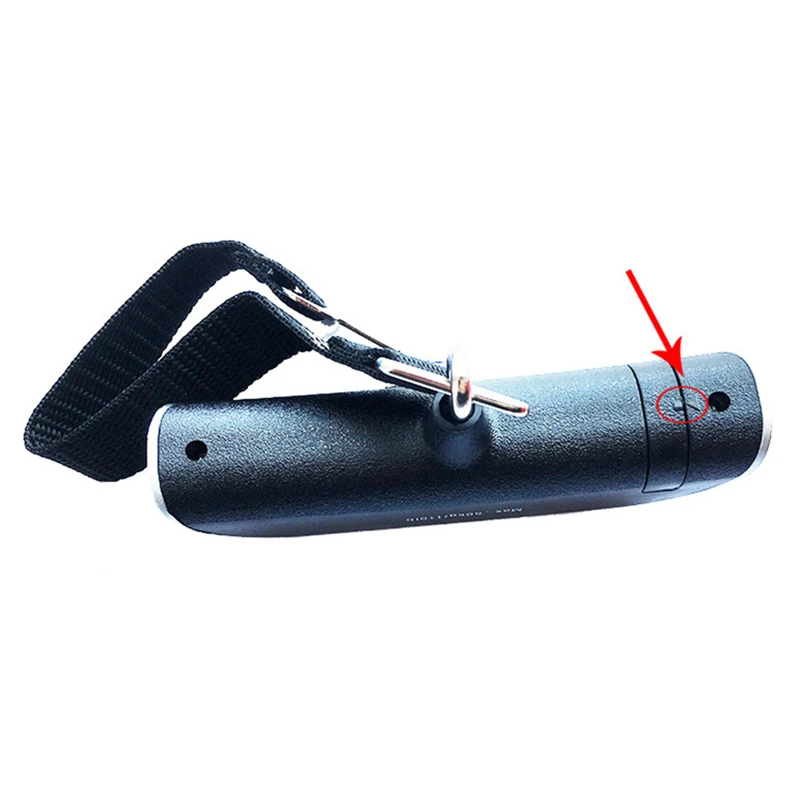
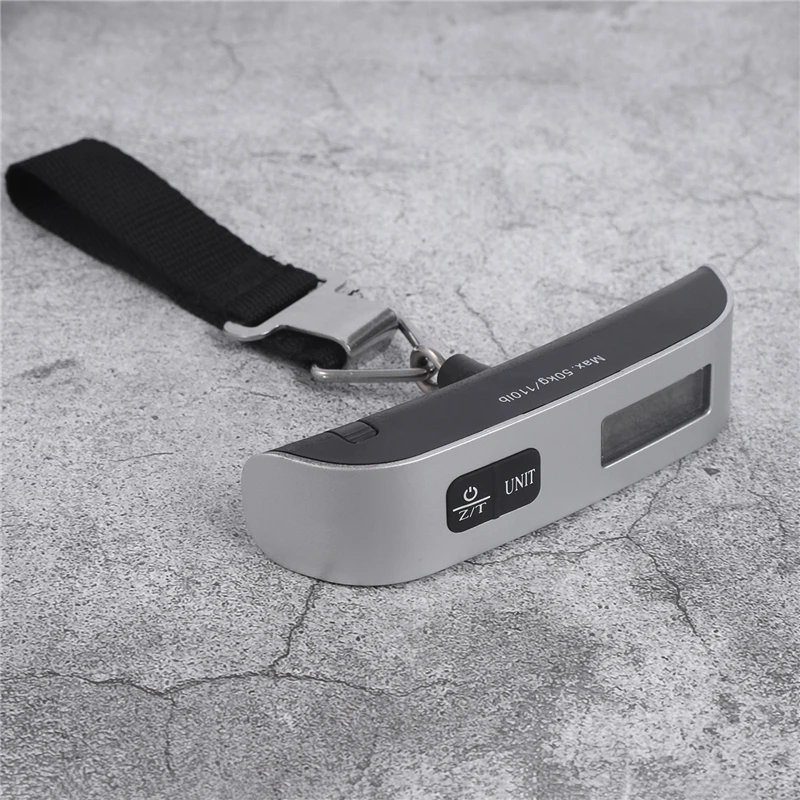
3. Unique weighing hook position design, weighing more convenient
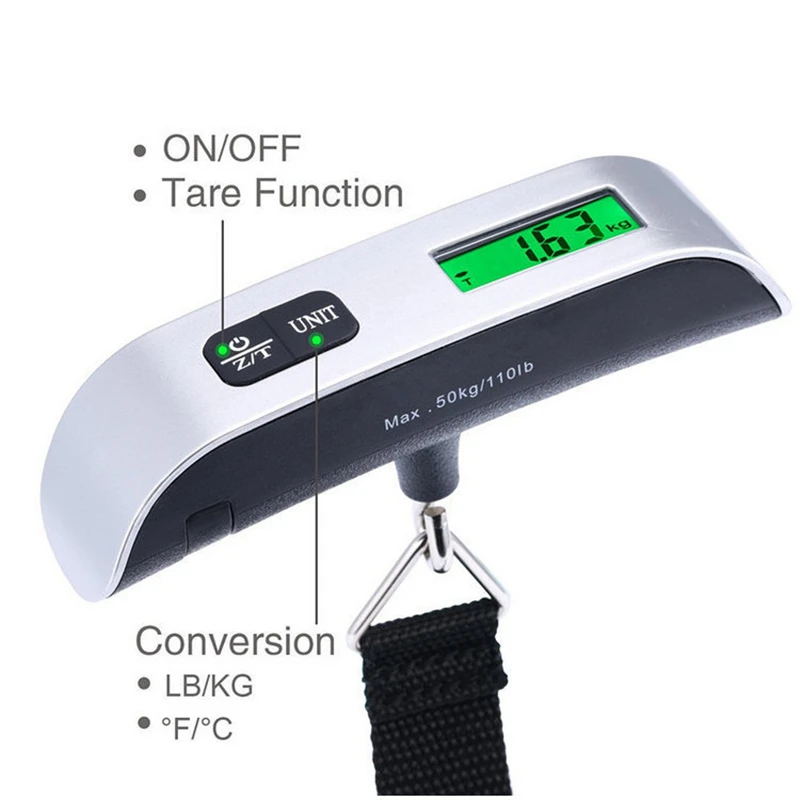
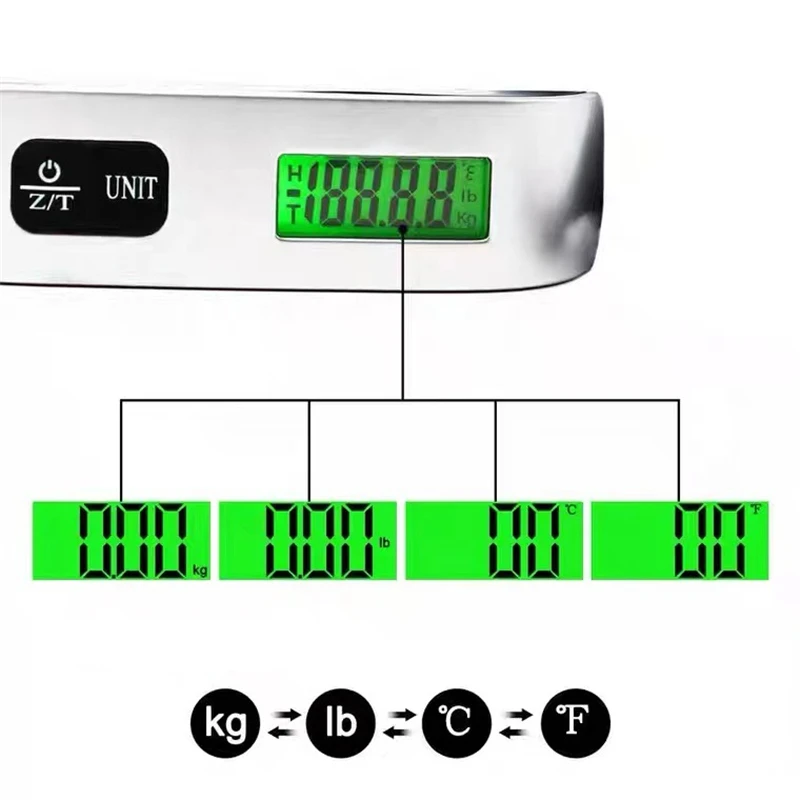
4. A variety of measurement units can be converted freely kg (kilograms) lb (pounds) ℃ (Celsius) ℉ (Fahrenheit)
5. Temperature display function, Celsius and Fahrenheit.
6. Exquisite and small, easy to carry, is the best choice for portable weighing
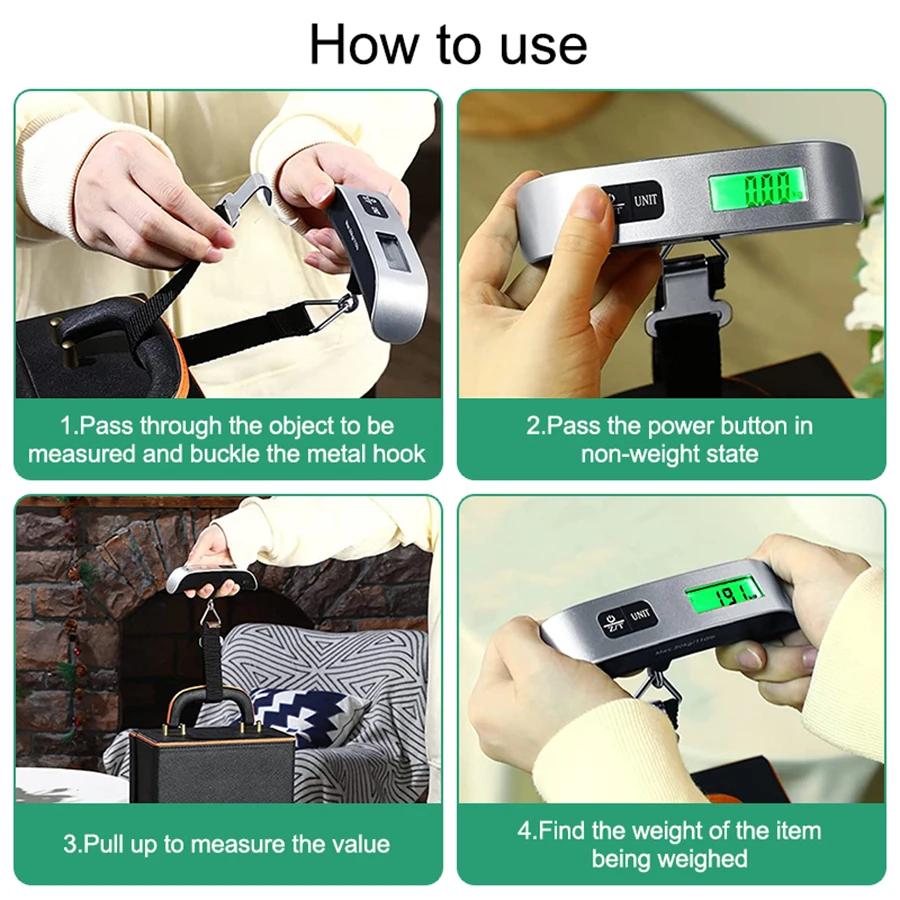
7. Press the power button to switch the electronic scale on and off in any state
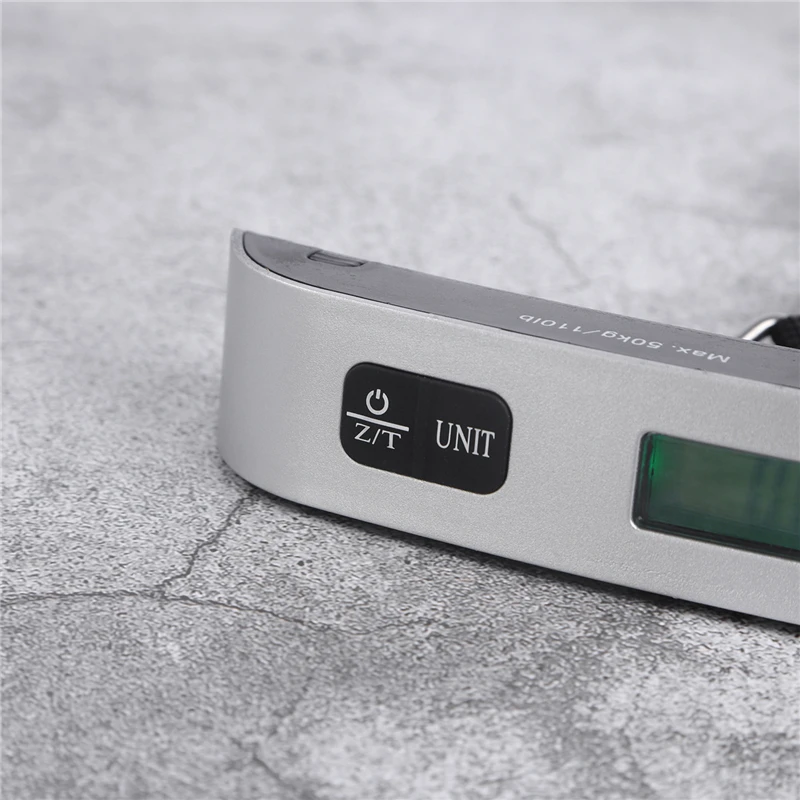
8. Press the UNIT key, press this key in the weighing mode to enter the unit conversion
9. Tare: In weighing mode, press TARE key to tare.